What can the Viora Agent do for me?
Use the Agent shortcut to ask Viora questions or request supported tasks. Learn how to give context, review answers, and confirm actions when asked.

Written by Nexmoe
Updated
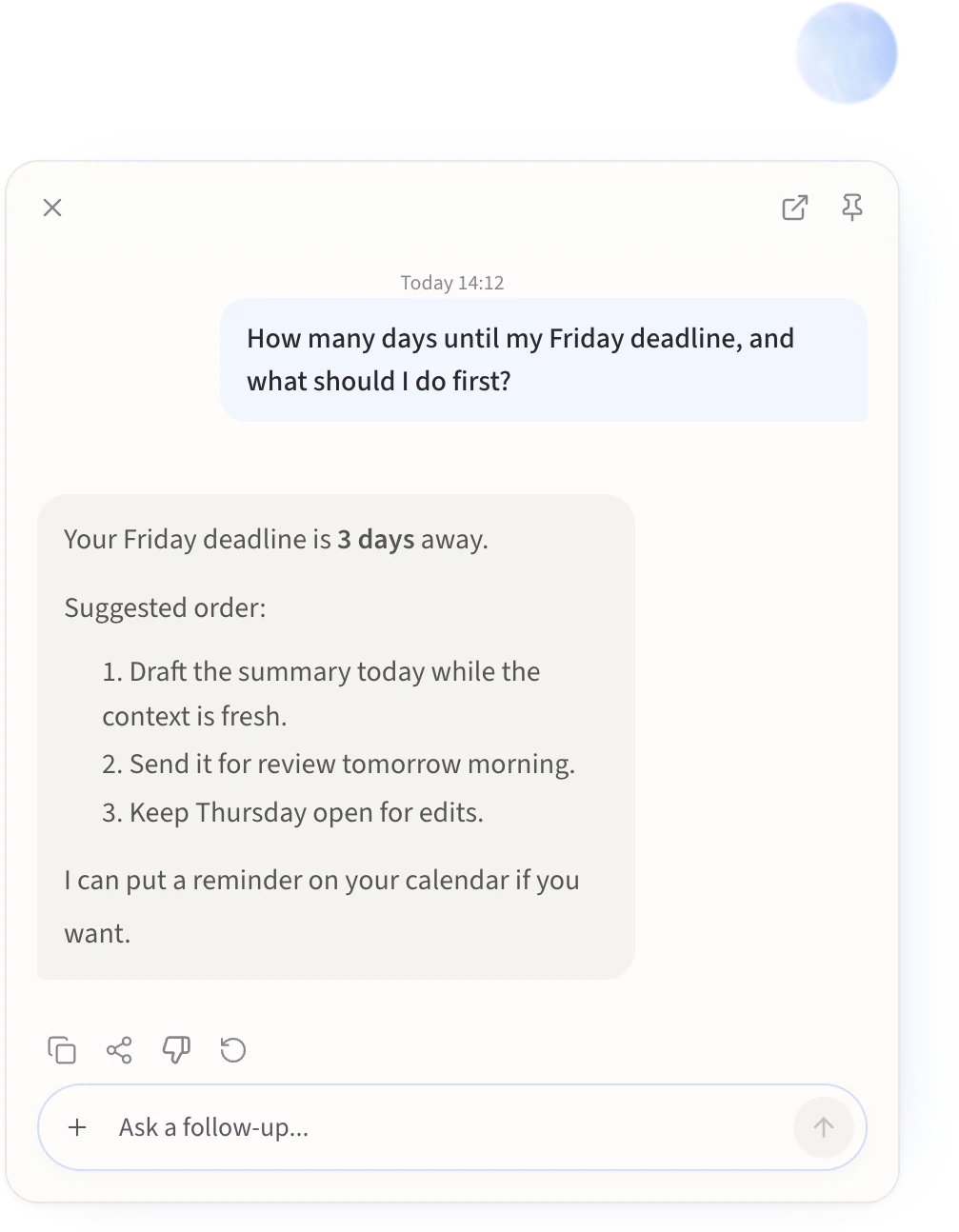
The Agent is for requests that need more than transcription. You ask a question or ask for something to be done, and Viora answers or carries out the task in the Agent Card.
Ask the Agent
- Hold Fn anywhere on your Mac.
- Say what you want, then release the key.
- Read the response in the Agent Card.
- Continue the conversation if you need to, using the text input at the bottom of the card.
You do not need to put your cursor anywhere first. The Agent works from wherever you are.
What to ask for
The Agent handles four kinds of request:
- Answers. “Explain the difference between revenue and profit.”
- Drafts. “Write a short follow-up asking for a meeting next week.”
- Lookups. “What is on my calendar tomorrow?”
- Actions. “Send that reply” or “add this to my reminders.”
Give the details the request needs. For an action, that usually means the recipient, the date, the document, or the exact wording. A vague request produces a vague result or a follow-up question.
Tasks that use other apps
Some requests need a service outside Viora, such as your email or calendar. Connect that app first, then name the service in your request.
Before Viora does something with real consequences, it asks you to approve it and shows what it is about to do — the recipient and subject of an email, the command it wants to run, the field it wants to change. Read the request before you allow it. You can deny it, and unanswered requests are denied automatically.
Where your sessions go
The Agent Card holds the current conversation. Past sessions are saved so you can revisit what was asked and answered.
If Temporary mode is on in Settings, new tasks are not written to local history. Tasks still use cloud processing to complete your request; temporary mode controls what gets stored, not where the work happens.
The Agent did not do what I asked
Check what it actually heard. Your question appears at the top of the Agent Card, so a wrong transcript is usually visible immediately. Rephrase and retry with the Retry action if the question came through garbled.
If the request needed an external service, open Apps and confirm that service is still connected. If a permission request appeared and expired without an answer, the action was denied and nothing happened; ask again and approve it this time.
If nothing happens when you hold the key, check the Hold to Ask Agent binding in Settings → Keyboard Shortcuts and confirm Viora has microphone and system permissions.